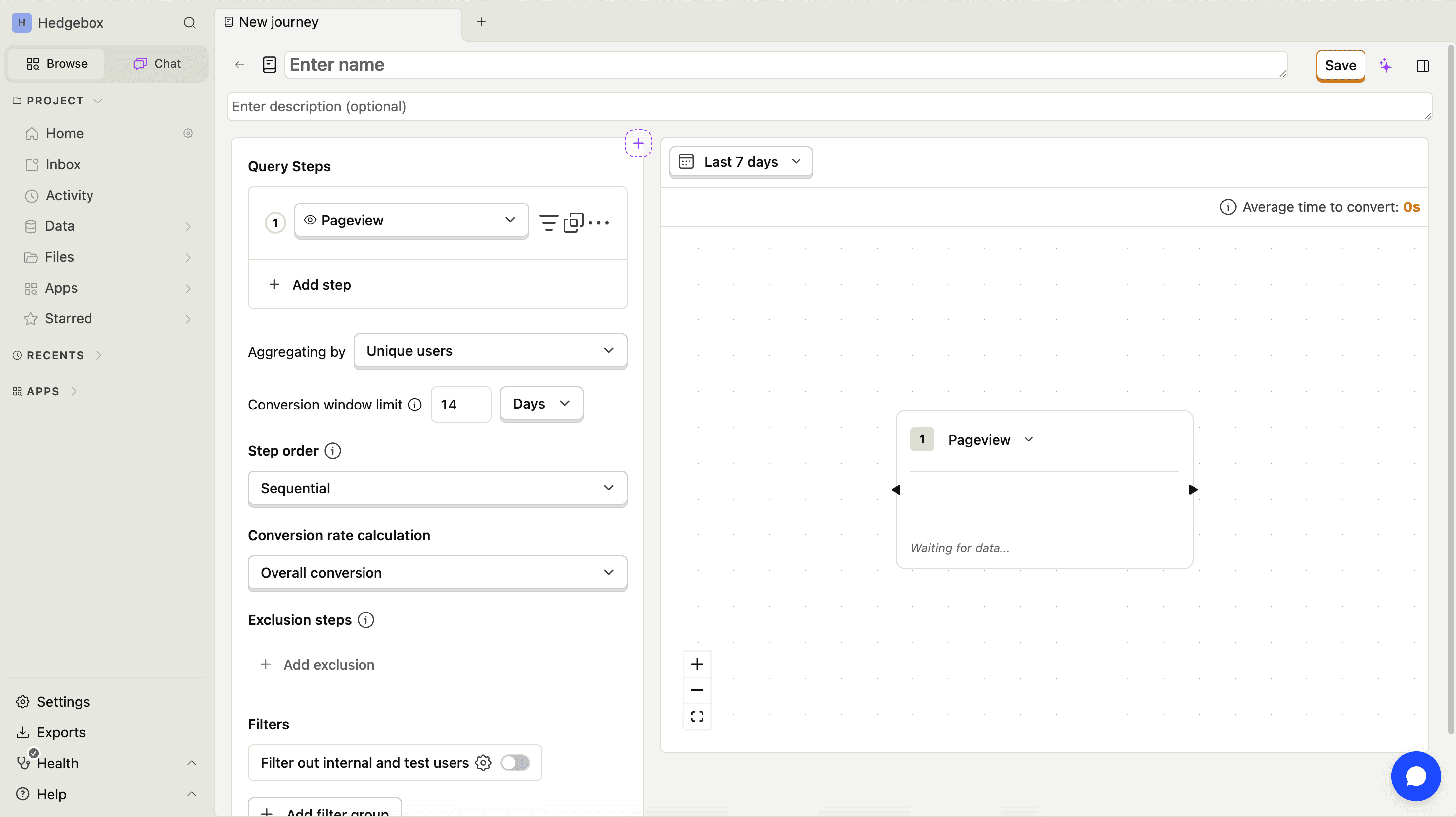
Create customer journeys
Contents
Customer Analytics is currently in beta and free to use. We're actively developing this feature and would love your feedback.
To create a new journey, go to Customer analytics → Journeys and click New journey. You have three options:
Use a template
PostHog provides pre-built journey templates to help you get started quickly:
- Signup conversion – Tracks the path from a user's first pageview to signing up.
- Free-to-paid conversion – Tracks the path from signing up to completing a payment.
Select a template and PostHog creates the journey with pre-configured funnel steps. You can then customize the steps as needed.
These templates are based on the funnel insights shown in the customer analytics dashboard. They reuse the same events you've configured for your dashboard as a starting point.

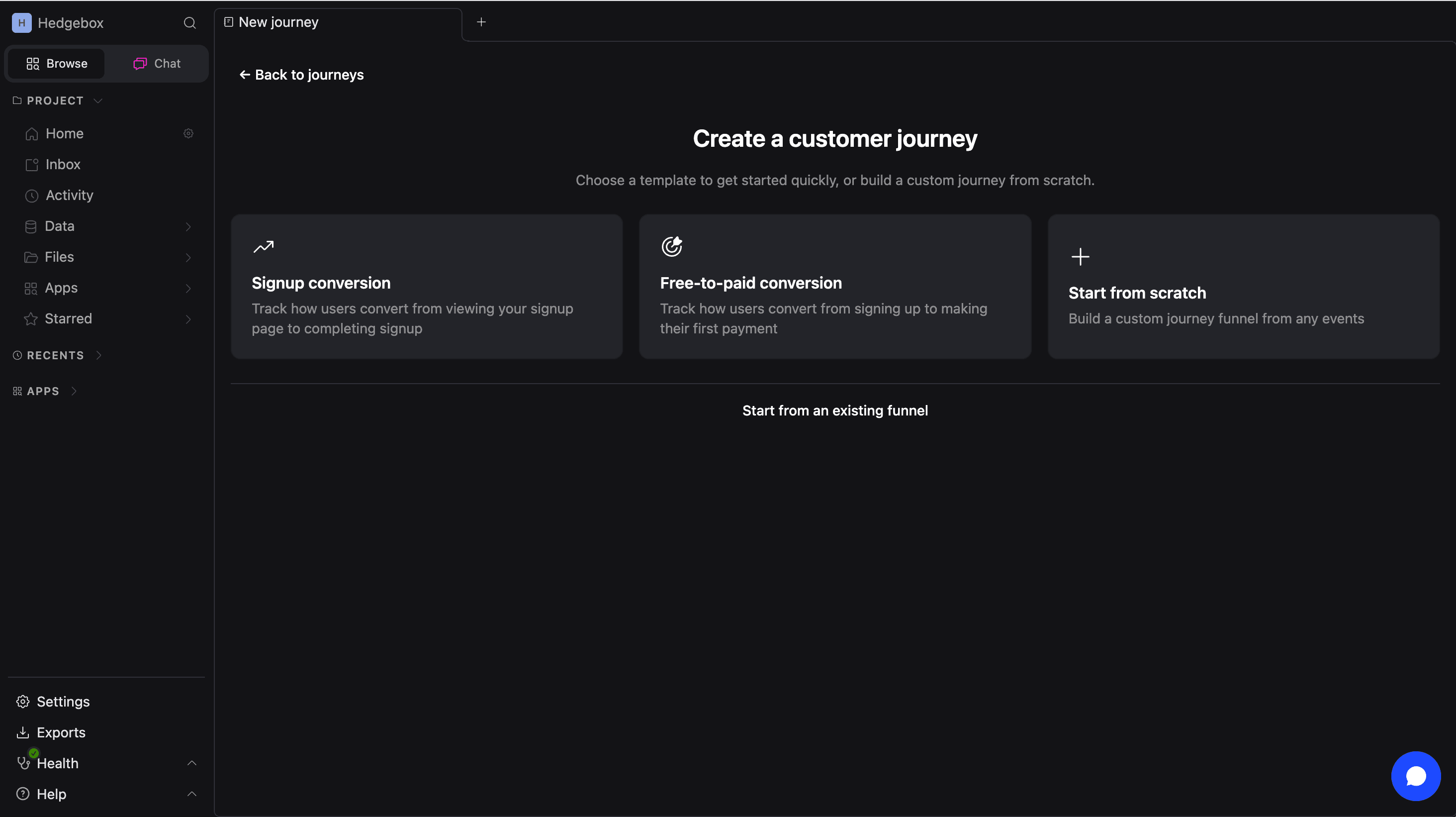
Use an existing funnel
If you already have a saved funnel insight, you can import it as a customer journey:
- Click New journey.
- Select Start from an existing insight.
- Choose a saved funnel insight from the list.
PostHog converts your funnel steps into a journey flow graph.
Build from scratch
To build a journey manually:
- Click New journey, then select Start from scratch.
- Add funnel steps by selecting events (e.g.,
$pageview,sign_up,purchase). - Configure each step as required or optional.
- Save your journey.